Why your scraper gets blocked, and how to fix it

Four layers block you: headers, TLS fingerprint, IP, behaviour. How to tell which one, and the fix for each.

A site I had been collecting from for months started answering with 405 Method Not Allowed. Nothing had changed on my side. I rotated the user agent, added a full set of browser headers, then a referer, then cookies, and got 405 every time, while the same URL loaded instantly in a browser on the same machine on the same network.
The site was not reading my headers. It was looking at the shape of the encrypted connection, which is decided before a single header is sent. No amount of work at the layer I was working at could have fixed it.
That is the difficulty with being blocked: there are four separate layers at which a site can refuse you, they produce almost identical symptoms, and a fix aimed at the wrong layer does nothing at all. The advice that surfaces first — rotate your user agent, buy residential proxies — addresses two of the four. What follows is how to tell which one you are actually hitting, cheapest test first, and what clears each.
Detection: making the block visible
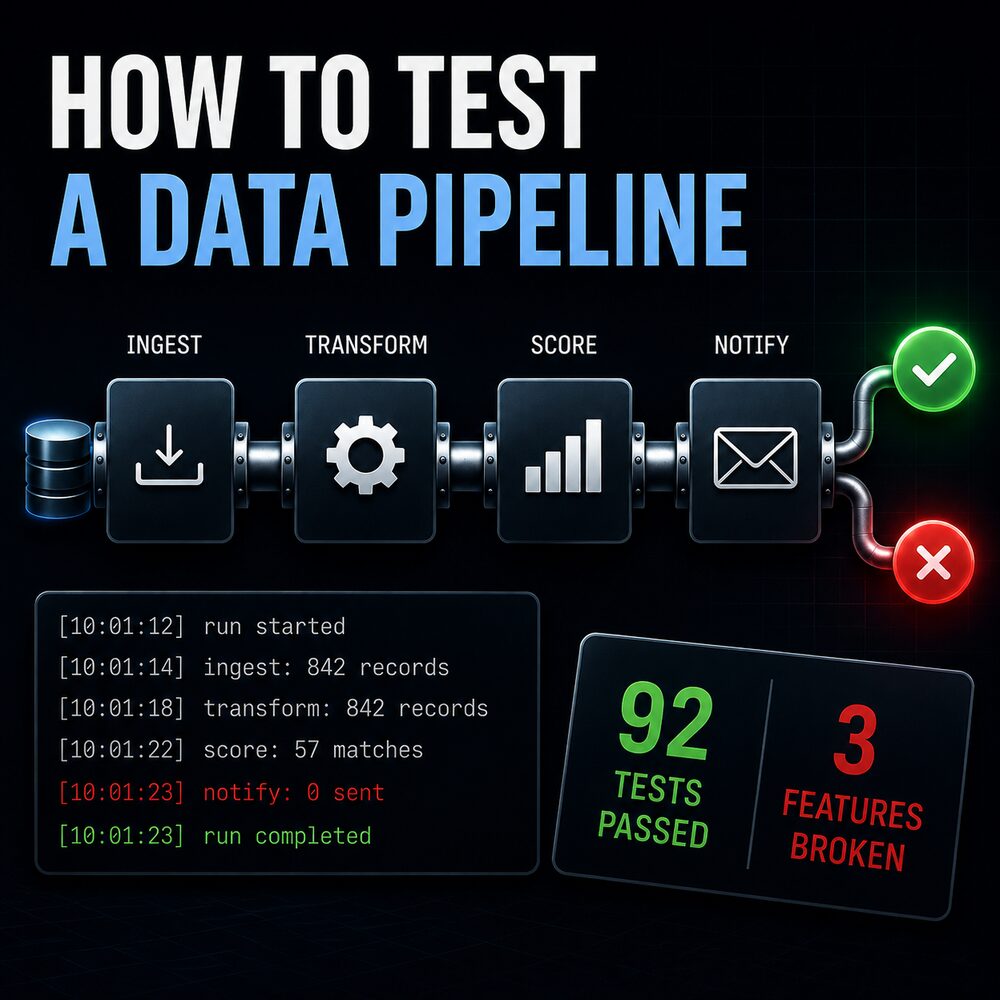
When that 405 started, my collector reported success. It fetched, caught the error, logged it somewhere nobody was reading, and finished with zero new rows, which is exactly what a genuinely quiet day looks like. The data just stopped growing, and I did not notice for a while.
Anything that can legitimately return nothing needs to distinguish the source having nothing from you being prevented from finding out. A count of attempted, succeeded and failed printed at the end of every run is the cheapest instrument here, and everything below is guesswork without it.
Layer 1: request headers
Every request carries labels — which browser you claim to be, what you will accept back, which page you came from. This is where everyone starts, and it is the least likely to be your problem, but getting it wrong blocks you on sites that block nothing else.
Data endpoints sitting behind a public page are the clearest case. Many will not answer unless the request looks like it came from the page that normally calls them.
HEADERS = {
    "User-Agent": "Mozilla/5.0",
    "Accept": "application/json",
    "Referer": "https://www.nseindia.com/companies-listing/corporate-filings-insider-trading",
    "Accept-Language": "en-US,en;q=0.9",
}
The Referer is the load-bearing line. Many sites also require that you visited the ordinary page first, because that visit is what issues the cookie the data endpoint checks, so hold a session and fetch the human page once before the endpoint.
Rotating through a list of fake user agents does very little on its own. A site checking headers is checking whether they are coherent — whether your Accept-Language, Sec-CH-UA and User-Agent describe the same browser — not whether they vary. A mismatched set is more suspicious than a fixed one.
You know this is your layer when the request fails identically from everywhere, including from curl, and adding the referer or the cookie fixes it immediately.
Layer 2: TLS fingerprinting
This is the layer that produced my 405 and the one that rarely comes up.
Before any HTTP request happens, your program and the server negotiate an encrypted connection, and in that opening message your side lists which ciphers and extensions it supports, in a particular order. Python's stack builds that list differently from Chrome, stably enough to be hashed into a fingerprint — JA3, and now more often JA4. A bot-mitigation service compares that against what a real Chrome sends before reading a byte of your request.
So a request claiming to be Chrome whose handshake is Python's is caught by a check that never looks at the claim. Making the claim more elaborate cannot help. What helps is making the handshake match.
from curl_cffi import requests as cffi_requests

resp = cffi_requests.get(url, headers=HEADERS, impersonate="chrome131")
curl_cffi is a requests-compatible client speaking through a TLS stack configured to match a named browser build. One import, one argument, and the endpoint started answering again. Outside Python, tls-client does the same for Go, and this technique is what most commercial unblocking products are selling.
The check that identifies this layer takes about two seconds: fetch tls.browserleaks.com/json from your script, then open the same URL in your browser, and compare the fingerprint fields. If they differ and you are getting 403s or 405s that a browser does not get, this is your problem. I wish I had known that test existed before I spent a day on headers.
Worth knowing that this is not the end of the sequence. There is a further layer of fingerprinting on the HTTP/2 frames themselves — settings frame values, window sizes and header ordering — which is why an impersonation library that gets JA3 right can still be caught. I have not hit that in practice, but it is the next thing I would look at.
Layer 3: IP address and reputation
Once your handshake and headers are right, what remains is your address, and a site knows two things about it: whether it belongs to a home connection or a data centre, and how it has behaved recently.
Sustained collection eventually meets a challenge page — Cloudflare's "confirm you are human" — served as ordinary HTML with a 403, 405, 429 or 503 attached. Detecting it needs both signals, since the status alone is ambiguous and the page alone is just text.
BLOCK_STATUS = {403, 405, 429, 503}
CHALLENGE_MARKERS = ("cf-chl", "challenge-platform", "/cdn-cgi/challenge")

def looks_blocked(status_code, text=""):
    return status_code in BLOCK_STATUS or any(m in text for m in CHALLENGE_MARKERS)
The standard response is proxy rotation, and it is oversold. What worked for me was ten requests per address, a pause of thirty to ninety seconds between batches of twenty, and validating every candidate address against the real target before trusting it, because free proxy lists are mostly dead entries. Free proxies are also frequently slower than not scraping at all and are operated by people you know nothing about, so nothing carrying credentials should go through them.
More usefully: if a site blocks you after 200 requests, the cause is usually the rate rather than the identity, and slowing down fixes it permanently while rotation fixes it until the new address is scored too. Rotation is what you reach for when you have already established that pacing is not enough.
There is a second shape of this that rotation cannot solve at all. An app running on a cloud host that fetches pages on demand is blocked at every address it has, because the host's whole range is scored as a data centre. Rotating within a data centre does not help when the data centre is the thing being scored. What worked there was moving the fetch to the visitor's own browser, which loads the page and hands the result back — an address the site has no reason to distrust. It only applies when the scrape happens in response to a user action, but when it does apply it costs nothing and nobody suggests it.
Layer 4: browser and behaviour fingerprinting
Running a real browser clears the first two layers automatically and introduces a fourth, because automated browsers announce themselves. The best-known signal is a flag the browser sets when it is being driven, readable in one line of JavaScript.
Object.defineProperty(navigator, 'webdriver', {get: () => undefined});
Object.defineProperty(navigator, 'languages', {get: () => ['en-US', 'en']});
Object.defineProperty(navigator, 'hardwareConcurrency', {get: () => 8});
There are dozens more: screen dimensions, available fonts, how the browser renders a canvas or a WebGL scene, whether a headless build reports the same graphics driver as a real one. playwright-stealth patches the published set and undetected-chromedriver does it for Selenium. Both raise the bar rather than clearing it, and the checks are updated more often than the patches. Chrome's newer headless mode is close enough to headful that running it is a smaller tell than it used to be, which does more than most of the patching.
The half of this layer that actually decides is behaviour. A real session has irregular gaps, does not request 400 pages at perfect one-second intervals, and does not run at 03:00 for the same duration every night. Jittered pauses cost nothing and remove the most obvious pattern you present. Where a source checks hard, the better answer is to stop hiding: run visibly, log in by hand once, save the session, and start later runs already authenticated.
Rate limits and silent caps
A 429 usually means slow down and clears by itself. It is not a verdict on you, and rotating addresses in response converts a two-minute pause into a real block. Sorting out which kind of 429 you have is three different limits wearing one status code.
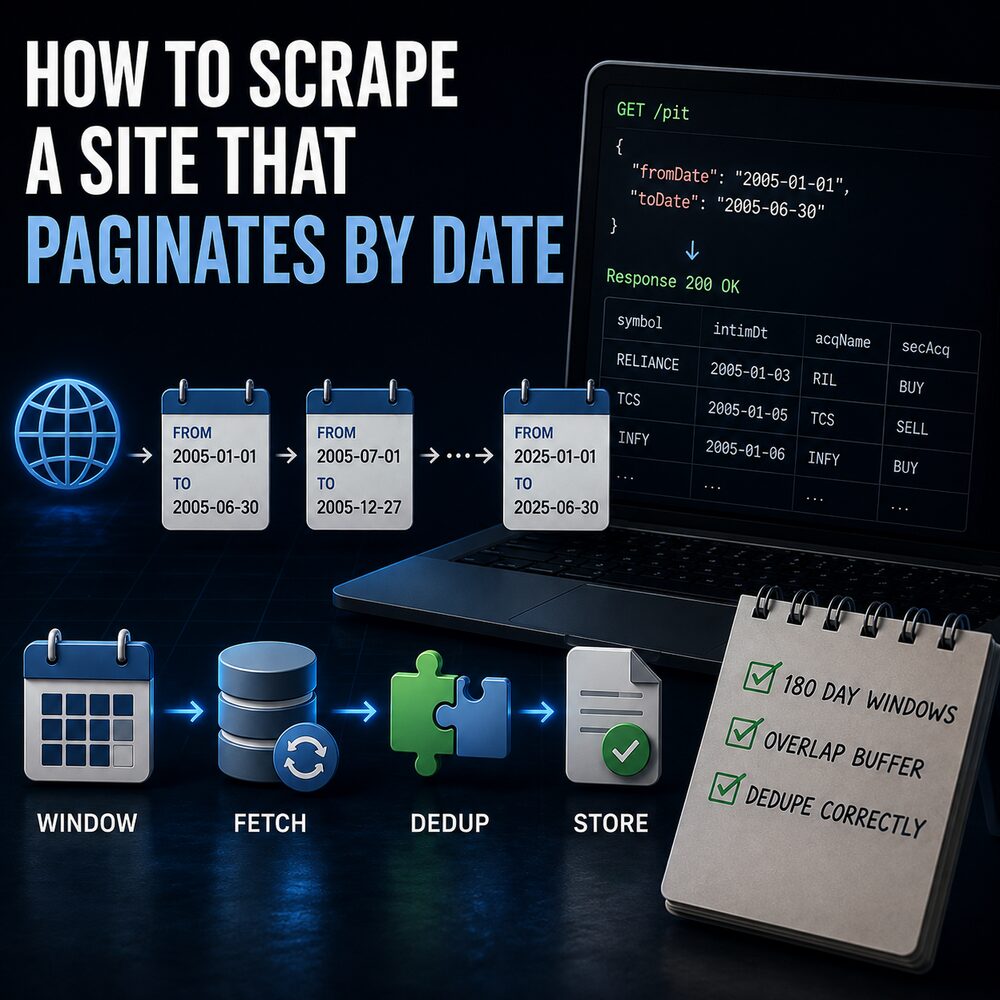
The other one cost me more. Free tiers commonly truncate a response at a fixed row count, often 200, with no error and no flag. A wide date window simply returns fewer records than it contains, and the run reports success. I found it by pulling the same range twice with different window sizes and noticing the totals disagreed, which is the only method I know of that works.
A diagnostic order
Print the pass and fail counts first, because nothing below is interpretable until a block is distinguishable from a quiet day. Then check whether you need the page at all: open the network tab and look for the endpoint the page itself calls, since a JSON endpoint with the right referer is less work to keep alive and a smaller thing to be blocked for.
Then headers, once, properly. Then compare TLS fingerprints, if a browser on the same machine succeeds where the script fails. Then slow down, with AutoThrottle or Crawlee adapting the rate for you rather than a fixed delay you guessed. Then rotate addresses. Then, only if the content genuinely does not exist without JavaScript, a real browser, and expect layer 4 once you are there.
The ordering matters more than any individual technique, because each step rules out a layer and the expensive steps are at the end.
Legal and ethical limits
Whether a request succeeds is a different question from whether it should be made. What I hold to: public data only, nothing behind a paywall or another person's login, honour robots.txt and the terms where they speak to this, and keep the rate low enough that nobody would notice the load. Most of the pauses described above exist for that reason as much as for staying unblocked. If a site offers an API or a bulk download, take it even when it costs money — it will outlive every technique on this page.
References and further reading
Cloudflare's own bot score documentation is the clearest description of these layers from the defending side: it names the signals, and it says plainly that the score is a learned combination of them rather than a rule you can satisfy.
Salesforce's JA3 repository explains how a handshake becomes a fingerprint in about a page, and JA4 is the current successor. Read one of them if layer 2 was new to you — it is the piece most scraping guides never mention.
Tools, by layer
- curl_cffi (layer 2) —
requests-compatible calls with a browser's TLS handshake. One import and animpersonate=argument. - browserleaks TLS probe (layer 2) — fetch it from your code and from your browser; if the fingerprints differ, that is your block.
- tls-client (layer 2) — the same capability for Go.
- Scrapy AutoThrottle and Crawlee (layer 3) — adaptive pacing, retries and proxy rotation, instead of hand-tuned delays.
- playwright-stealth and undetected-chromedriver (layer 4) — the published patches for known automation signals. Both raise the bar rather than clearing it.
- curl on HTTP cookies (layer 1) — worth reading when a site only answers after you have loaded an ordinary page first, which is a cookie problem wearing a blocking costume.
Rules, standards, and the legal side
- RFC 9309 — the Robots Exclusion Protocol, standardised only in 2022, which is more recent than most people assume. Python's robotparser reads it in three lines.
- MDN on 429 — being throttled versus being blocked, which decides whether to wait or to change something.
- EFF on hiQ v. LinkedIn — the US appeals ruling that scraping publicly available data is not "unauthorised access" under the computer-crime statute. Context, not legal advice: it says nothing about contract terms, copyright, or other jurisdictions.
Related posts
- Playwright vs Selenium — whether you need a browser at all, and what changes between the two.
- What a 429 really means — the refusal that clears by itself, and the retry logic that makes it worse.
- How to scrape a site that paginates by date — these defences met on a real public archive, including a row cap that returns success while quietly hiding data.
My own projects
- Market data platform — the collection system the first set of examples comes from.
- Product Explorer — the on-demand catalogue app behind the data-centre-IP example.