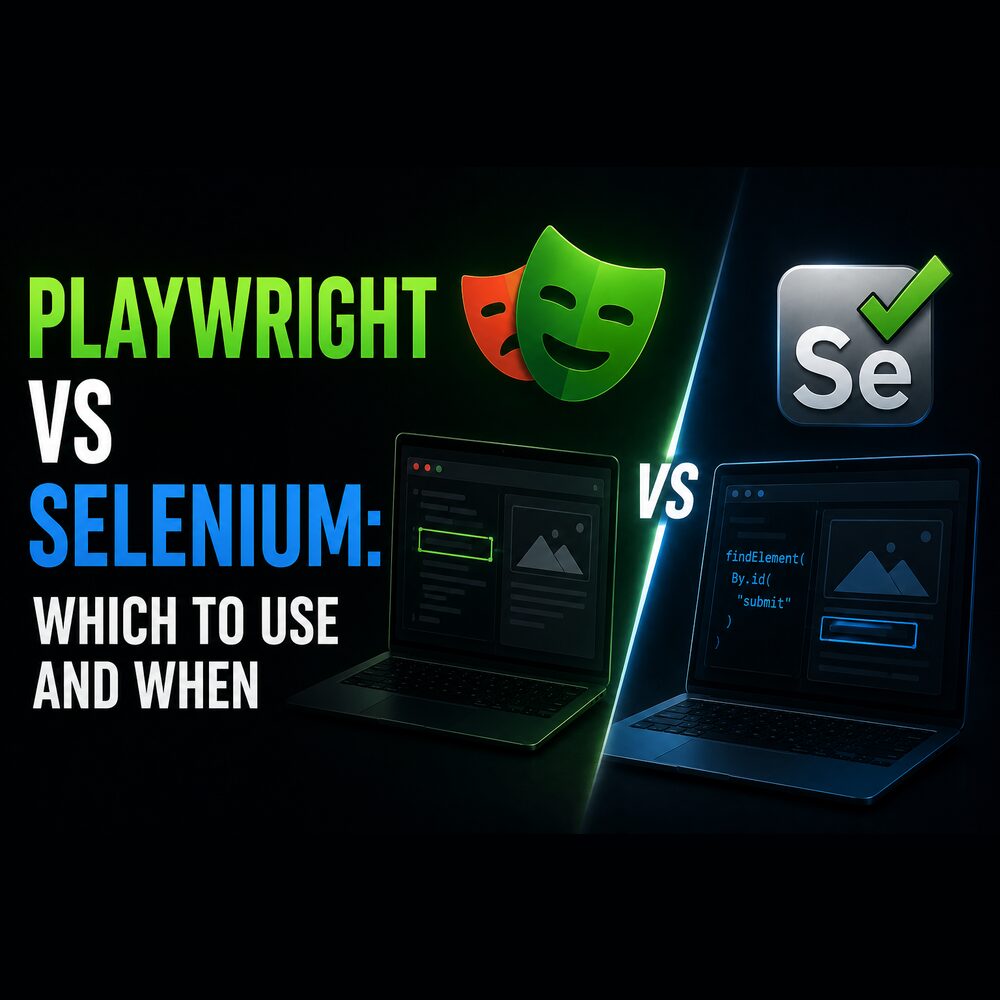
Playwright vs Selenium: which to use and when

Locators, saved sessions and pinned browsers — plus the 52 fixed sleeps that show what auto-waiting does not fix.
Almost everything written comparing these two is about test suites. The comparison tables cover browser coverage, language bindings, parallel execution and CI integration, which are the right things to compare if you are choosing a tool to test your own web app in. I have never used either for that. I use them to get data out of pages that do not exist until JavaScript has run, and the things that decide the choice for scraping barely appear in those tables.
The architecture difference is real and is usually stated first: Selenium talks to a browser over HTTP through the WebDriver protocol, Playwright holds a persistent WebSocket to it. That does make Playwright faster per operation, and for a scrape it makes almost no difference, because the time goes on waiting for pages and on being polite to the server, not on the round trip to the browser. The differences that mattered to me were waiting, session reuse, browser versioning, and — fourth — whether a browser is needed at all.
Waiting: locators against explicit waits
Your code runs instantly and a page does not. Ask for a button that has not been drawn and you get an error rather than a button. Selenium's answer is that you say so explicitly, wrapping what you want in a wait that polls until a condition holds.
self.wait = WebDriverWait(self.driver, 15)
news_tab = WebDriverWait(self.driver, 10).until(
    EC.element_to_be_clickable((By.XPATH, "//a[contains(text(),'News')]")))
The scraper that line came from is 563 lines and twelve of them are except clauses. One catches StaleElementReferenceException, which is worth understanding even if you never touch Selenium. When you find an element, Selenium hands you a reference to that object in the page. If the page redraws that part of itself, and single-page sites do this constantly for reasons unrelated to you, the reference points at something that no longer exists and using it raises. The element is still on screen. Your handle to it is not.
Playwright hands you a locator instead: a stored description of how to find the element, re-resolved every time you use it, waiting on its own for the element to exist, be visible and be ready.
await page.locator("input[name='password']").fill(PASSWORD)
await page.get_by_role("button", name="Log in").click()
await page.wait_for_url("**/home", timeout=15000)
A redraw between two lines is not an error, because the description is re-run rather than a handle reused. Selenium 4 has relative locators and a much better API than the one most tutorials show, but it does not have this property, and this property is most of what people mean when they say Playwright is less flaky.
What the marketing claims is that auto-waiting means you stop writing sleep(5). I counted across twelve Playwright scrapers I had written: 52 calls to wait_for_timeout, which is a fixed sleep under another name, against 25 uses of the proper wait-for-condition call. Two out of three waits were still blind.
Some of those are deliberate pacing between requests and have nothing to do with the tool. The rest are the interesting case: auto-waiting answers "is this element ready", which requires an element whose readiness proves the page is done. Click a filter that triggers a background fetch which swaps numbers inside cells already on screen, and there is no new element to wait for. The correct answer is to wait on the network response rather than the DOM, which Playwright can do and which I did not reach for often enough.
async with page.expect_response(lambda r: "/api/quotes" in r.url and r.ok):
    await page.click("#apply-filter")
Auto-waiting removes the class of failure where the element was not there yet. It does not tell you when a page has finished, and no tool can, because only you know what "finished" means for the data you came for.
Session reuse: storage state against user profiles
This changed how I structure scrapers more than the waiting did, and it gets far less attention than the waiting does.
Signing in from code is the most fragile part of any scraper. The login page is the most heavily defended page on the site, and a wrong move costs the account rather than the run. Playwright lets you sign in once by hand in a visible browser and save what the browser learned — cookies and origin storage — to a JSON file, then start every later run from that file.
browser = await p.chromium.launch(headless=False)   # visible: log in as a human
context = await browser.new_context()
# ... fill the login form once, then:
await context.storage_state(path="storageState.json")
The code that does the scraping then contains no credentials at all, which means it can go in a repository and the session file can be handed over separately. Selenium's equivalent is pointing Chrome at a saved user-data directory. That works and it is heavier: a whole profile on disk rather than a small file, carrying state you did not ask for, and two runs cannot share it simultaneously.
Sessions expire, so this needs a check that notices you are logged out and stops rather than scraping a page of login prompts. I have been caught by that twice.
Browser versioning and unattended jobs
Selenium drives a browser you supply, so the browser and its driver must be version-compatible while Chrome updates itself roughly monthly. This was a genuine operational cost for years, patched over with webdriver-manager downloading a matching driver at startup. Since 4.6 Selenium ships Selenium Manager, which resolves both the driver and, since 4.11, the browser itself. If you last touched Selenium before that, most of what you remember about driver pain is fixed.
Playwright pins its own browser builds through playwright install, so the browser is a dependency of the project rather than a property of the machine. A scrape that ran last month runs the same way this month and the same way in a container. For jobs on a schedule I value that more than any API difference, and it is the one thing I would not want to give up.
Playwright's other operational advantage is the trace viewer, which records a run and replays it with the DOM, network and console at each step. Debugging a scrape that failed at three in the morning against a page that has since changed is otherwise close to impossible. I ignored it for far too long.
Blocking: where neither tool helps
Neither tool helps with the thing that actually stops scrapers, which is being refused. A site I was collecting from started returning 405 to a plain Python request while a real browser on the same machine loaded the page fine. It was not reading the headers. It was fingerprinting the TLS handshake, which is decided before any header is sent and differs between Python's networking stack and Chrome's. The fix was one import, and no browser.
# curl_cffi makes a plain HTTP request whose TLS fingerprint matches Chrome's.
from curl_cffi import requests as cffi_requests

resp = cffi_requests.get(url, headers=HEADERS, impersonate="chrome131")
Which leads to the largest saving available here and the reason I would not start this decision with either tool. A browser is the right answer when the data genuinely does not exist until JavaScript runs. Otherwise it is the most expensive thing on the shelf: starting Chrome to fetch a JSON endpoint costs hundreds of megabytes and about a second of startup to do what one HTTP request does in 200 milliseconds. Of my own collection scripts, roughly half never open a browser, and one of them is still named trendlyne_selenium.py despite containing no Selenium — it fetches HTML directly now, and I never renamed the file.
The check takes two minutes. Open the network tab, reload the page, filter to XHR, and look at what the page itself is calling. If the numbers you want arrive in a JSON response, call that endpoint with the right Referer and skip the browser entirely. When that is not possible and you do need a browser, request interception earns its keep immediately: blocking images, fonts and analytics typically halves page-load time, and you were never going to parse them.
Choosing between them
For new scraping work, Playwright, mostly for the pinned browsers and the saved session, with locators and the trace viewer as the reasons I would not switch back.
For an existing Selenium suite, nothing above justifies a rewrite. Both of my Selenium scripts still run and I have never ported them. A working scraper is worth more than a modern one, and Selenium Manager removed the maintenance argument that would have been my strongest reason.
For cross-browser work on browsers you do not control, or a team already running Grid, Selenium, and it is not close. That is a testing problem rather than a scraping one, and it is what the W3C standard and twenty years of infrastructure are for.
And if you would rather not manage browsers, queues and retries yourself, Crawlee wraps Playwright with request queueing, concurrency limits and retries already built. I wrote most of that by hand before I knew it existed, which I would not do again.
One limitation on all of this: it comes from moving the same jobs between the two tools over about two years, not from a controlled benchmark. I never ran both against the same site on the same day with a stopwatch, so nothing here is a speed claim. The parts I would defend are the failure modes and the operational ones, because those left logs.
References and further reading
Playwright's own page on actionability lists exactly which conditions each action waits for, which is the most useful page in either project's documentation and is the thing to read before deciding whether auto-waiting covers your case.
Selenium's waits documentation is direct about why implicit waits and explicit waits should not be mixed, which is a footgun I hit before I read it.
Documentation worth having open
- Playwright — authentication: the save-the-session-to-a-file pattern from above, with more care about when a saved state expires.
- Playwright — trace viewer: records a run and replays it with the DOM, network and console at every step. It is the single biggest debugging difference between the two tools and I did not use it for far too long.
- Playwright — request interception: block images and fonts, or answer a request from your own data. Blocking media alone typically halves page-load time on a scrape.
- Selenium Manager: the built-in driver resolution that replaced third-party driver managers from Selenium 4.6 onward.
- Selenium BiDi: the bidirectional protocol that closes most of the capability gap — network interception and console access from Selenium, standardised rather than Chrome-only.
- W3C WebDriver and the Chrome DevTools Protocol: the two wire protocols underneath all of this. Reading the second explains why Playwright can do things the first cannot express.
Tools mentioned
- Crawlee for Python — queueing, retries, proxy rotation and concurrency around Playwright, so you are not rebuilding a crawler each time.
- curl_cffi — HTTP requests whose TLS handshake matches a real browser, which is the fix when the page itself was never the problem.
- undetected-chromedriver — the Selenium-side answer to automation detection, if you are staying on Selenium.
- Scrapy — still the right tool when no JavaScript is involved: it is faster than any browser and its AutoThrottle handles pacing for you.
Related posts
- Why your scraper gets blocked — the four things a refusal can come from, and why your choice of browser tool is not one of them.
- Common data ingestion bugs — a year of real pipeline failures sorted by cause, including the ones that only appear when jobs run in parallel.
My own projects
- Market data platform — the platform these scrapers belong to.
- product-explorer — source for a service driving Playwright and Crawlee from NestJS, including the fallback that runs the scrape in the visitor’s own browser.