Local LLM vs API: when to run your own model

What fits in 6GB, what it costs in latency, and the schema trick that makes a small model usable.

The usual way this gets argued is cost per million tokens against the monthly price of a GPU, with a break-even somewhere north of a million tokens a day. That math is right for a team deciding whether to rent inference hardware. It answers a question I did not have.
My deciding number was 45. That is how many documents a day I could push through a free hosted tier before it stopped answering, and it is a good illustration of why the headline limits on a pricing page are usually not the limit you hit.
Which limit actually binds: requests or tokens
The tier allowed 1,000 requests and 100,000 tokens a day. A thousand requests sounds generous. At roughly 2,200 tokens per document — a job advert, a few pages of text, plus the schema and the instructions — the token budget runs out at about 45 documents, not 1,000. One run processed 25. Two runs and the day was over, which for a job that is supposed to run every few hours is not a limit you can design around.
Whichever limit is smallest is your real limit, and for anything text-heavy it is nearly always tokens rather than requests. It is worth doing that division before you write any code, because it decides the shape of everything after it. A workload that fits comfortably has no reason to leave a hosted API, and one that does not will keep hitting the ceiling no matter how the retries are written.
The other thing that division tells you is what clipping costs. To stay inside a token budget you truncate the input, and I had been truncating to a fixed character count without checking what was in the part I was throwing away. The documents averaged 4,400 characters, reached nearly 12,000, and mentioned pay a median of 77% of the way in. I was systematically discarding the field I most wanted to extract. Measuring where your target information sits in the document is five minutes of work and I would do it before choosing a truncation strategy, or before deciding that truncation is acceptable at all.
VRAM sizing: what fits in 6GB
A model is a large file of numbers, and to answer quickly that file has to sit in the memory attached to the graphics card, because that is the memory the arithmetic can reach at speed. Anything that does not fit spills into system RAM and slows down by an order of magnitude.
So what you can run is decided almost entirely by VRAM. On a 6GB card, at the four-bit quantisation that has become the default — four bits per weight instead of sixteen, costing some accuracy for about a quarter of the size — a 3 to 4 billion parameter model takes about 2.5GB and is comfortable, a 7 to 8 billion model takes about 4.7GB and is the largest that makes sense, a 14 billion model wants about 9GB and spills, and anything from 26 billion up is not happening.
I got this wrong twice in ways that are worth repeating because both are easy. The first was sizing against system RAM: the environment reported 7.6GB free and I reasoned from that, when the number that matters is what the GPU holds. The second was sizing against the parameter count rather than the file, and downloading 17GB of a model that was never going to load. Compare your VRAM against the actual download size on the model's page, which is the number that has to fit.
Even a nominal fit is not clean. Running a 7B model, the server reported 5.1GB resident and an 18/82 split between CPU and GPU, meaning a fifth of the work was landing on the processor because the model plus its context window did not quite fit. Budget for the context, not just the weights — num_ctx is the setting that quietly decides whether you are still on the GPU.
Latency: local 7B against hosted 70B
Same schema, same documents, both sides. A hosted 70-billion-parameter model took 1.6 seconds per document. A local 7-billion model took about 6 seconds, plus 18 seconds the first time while the weights load into VRAM, which keep_alive avoids paying repeatedly.
Roughly four times slower. For a 25-document run that is two and a half minutes against forty seconds, on a job nobody is waiting for. In exchange the cap disappears entirely and the text stops leaving the machine, which matters more for a personal document than for a public job advert but was worth something to me.
What I will not claim is a cost saving. The GPU is in a laptop I already owned, the electricity is not separately metered, and the hosted tier I was exhausting is free. Against a rented GPU the sums in the cost-comparison articles apply and mine do not. The case here is caps and privacy.
Constrained decoding for small models
A 7B model is not a 70B model, and the gap shows up first as malformed output rather than wrong answers. Asked for employment type, mine kept answering hybrid, which is an answer about location.
1 validation error for JDParsed
job_type
  Input should be 'fulltime', 'contract', 'internship' or 'parttime'
  [type=literal_error, input_value='hybrid']
The default handling is to catch that and ask again, which is what Instructor and most structured-output wrappers do. Each re-ask is a fresh inference, so one document took 83 seconds across four attempts.
Two things fix it and the difference between them is the part worth keeping. The first is describing the fields better: "employment type if stated" and "work arrangement if stated" are genuinely easy to conflate, and rewriting each description to exclude the other took it from four re-asks to about one. Cheap, portable, and still only persuasion.
The second is making the wrong answer impossible to produce. A model emits one token at a time, choosing from everything it could say next, and constrained decoding narrows that choice to what a schema permits: after "job_type": " the only continuations available are the four allowed values. hybrid never becomes reachable in the first place. Ollama compiles a JSON schema into that constraint; underneath it is llama.cpp's GBNF grammars, and the same idea appears as structured outputs on the hosted side, so it transfers whichever way you go. If you want to understand the mechanism properly, Outlines is the clearest implementation to read: it compiles the schema to a finite state machine and masks the logits that would leave it.
With the schema enforced, five documents out of five validated with no re-asks and the average call came down to about six seconds. This is where I declared victory, and I was wrong.
Empty fields that pass validation
Three of the fields — required skills, nice-to-haves, responsibilities — were optional lists, and an absent key is valid. A response naming not one skill from the document scored exactly as well as a complete one.
Measured across real documents rather than one test case, the local model returned no required skills at all on 71% of them, while the hosted model populated them. Everything downstream depended on those skills, so the pipeline was passing validation and comparing against nothing.
Finding out why took an ablation: twelve documents, two runs each, one change at a time. There were three separate permissions to skip the work. The schema allowed it, because the three list fields had defaults and so were not in the required set, which meant the grammar let the model omit the keys entirely — they were absent rather than empty, and the empty lists I saw downstream were manufactured by the model definition afterwards. The system prompt licensed it, with an instruction to return null or an empty list when a field was not stated. And the user prompt never asked for them, because every scalar field had an explicit instruction and those three had none.
Fixing only the prompt moved the empty rate from 71% to 62% while sharply improving whatever did come back. Fixing both took it to zero out of twelve. The schema controls whether a field can be absent; the prompt controls whether what comes back is any good. I had been treating those as the same lever.
So the check to write is not whether the response parses. It is whether the fields that matter are present and non-empty across a sample you have looked at by hand, tracked per field, on every model change. Where a field must not be empty, say so in the schema with minItems rather than hoping.
Stale measurements of third-party software
An early measurement of mine concluded that the local server's OpenAI-compatible endpoint ignored schema enforcement, so I wrote a separate transport that spoke to its native endpoint. Re-probed later against a current version, that endpoint honours it, including required fields and minimum list lengths. The original result was either confounded or true of a version that has since moved.
The measurement going stale is not the interesting part. What made it expensive is the chain: the conclusion went into a code comment, the comment justified keeping a second transport, and the second transport is where the missing-fields behaviour lived. A comment asserting something about a third party's behaviour needs the date and the version it was taken against, so the next person knows whether to trust it or re-probe. I deleted the transport.
Choosing between local and hosted
A hosted API when the task is hard, when latency is user-facing, or when volume is spiky. A 70B model on someone else's hardware reasons better than anything that fits in 6GB and no amount of prompt work closes that gap.
Local when the task is narrow and repetitive — extract these fields from this document — when volume is steady enough to collide with a daily cap, when nobody is waiting, or when the text should not leave the machine.
In practice I run both, ordered by cost: local first because it is uncapped, then the free hosted tier, then a metered account reached only when everything free has failed. That ordering only works if the failure that moves you down the chain is classified correctly, which turns out to be classifying a provider’s refusals correctly.
And if the volume ever outgrows a laptop, the answer is not a bigger laptop. vLLM with continuous batching is what makes a rented GPU worth paying for, and that is the point where the cost-per-million-tokens comparison I dismissed at the top becomes the right one to run.
References and further reading
Ollama's structured outputs post is the short version of how a JSON schema becomes a decoding constraint, with runnable examples in both its own API and the OpenAI-compatible one.
Instructor is the library doing the validate-and-re-ask loop described above. Worth knowing that its schema mode also states the schema in the prompt, which is a meaningfully different thing from constraining the grammar, and is why it recovered fields the grammar alone allowed to be skipped.
Running the model
- Ollama API reference — including
keep_alive(which removes the 18-second cold load between runs) andnum_ctx, the context size that decides whether your model still fits in VRAM. - GGUF and quantisation — what the
Q4in a model name means, and the size/quality trade it represents. - Qwen2.5-7B-Instruct model card — the model in every measurement above, with its context length and intended uses.
- vLLM — the answer when the volume outgrows a laptop: continuous batching and paged attention, which is what makes a rented GPU worth the money.
Getting structure out of a model
- Understanding JSON Schema — specifically
requiredandminItems, the two keywords that decide whether a field can be silently skipped. - Pydantic — where the schema comes from in the first place, and the validation that still has to run after the grammar has done its job.
- llama.cpp grammars — constrained decoding at the level below Ollama, if you want to see the mechanism rather than the wrapper.
- outlines and guidance — the two libraries usually named for this. Both run models in-process rather than driving a server, which is why neither is the answer for a running Ollama instance.
- OpenAI structured outputs — the hosted equivalent, useful for comparing what each side guarantees about shape versus content.
Related posts
- What a 429 really means — how to classify a provider's refusals, which is what decides when to fall back to the next one.
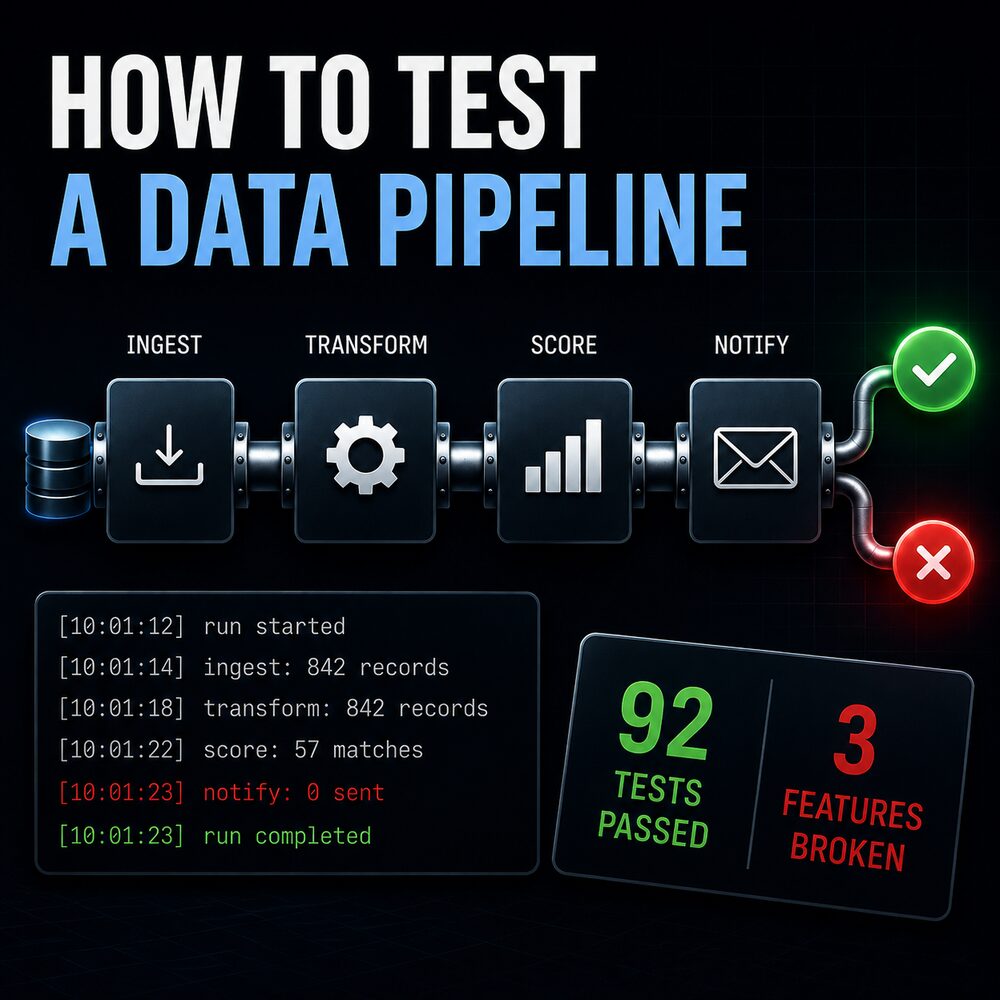
- How to test a data pipeline — why a passing test suite can still miss a provider retiring a model, and what to test instead.
- Groq rate limits — the provider's published free-tier limits, if you want to check where your own usage would land.
My own projects
- Job_Application_Bot — source for these measurements: the prompt, the JSON schema and the provider fallback chain.